299Bet Deposit: Top Up Your Account in BDT

Everything you need to fund your 299Bet account: supported methods (bKash, Nagad, Rocket), minimum amounts, step-by-step instructions, and what to do if a payment does not go through. All deposits are processed in Bangladeshi Taka with no hidden fees on the platform side.

How to Open the Deposit Screen

After you log in to your 299Bet account, tap the Deposit button in the bottom navigation bar (marked as 'জমা দিন'). The same button appears in the My Account section at the top of your profile page. On desktop, use the header menu.

The deposit form loads instantly and shows all available payment methods for your region. Select your preferred method, enter the amount in BDT, and follow the on-screen steps. Your balance updates within minutes for most e-wallet transfers.

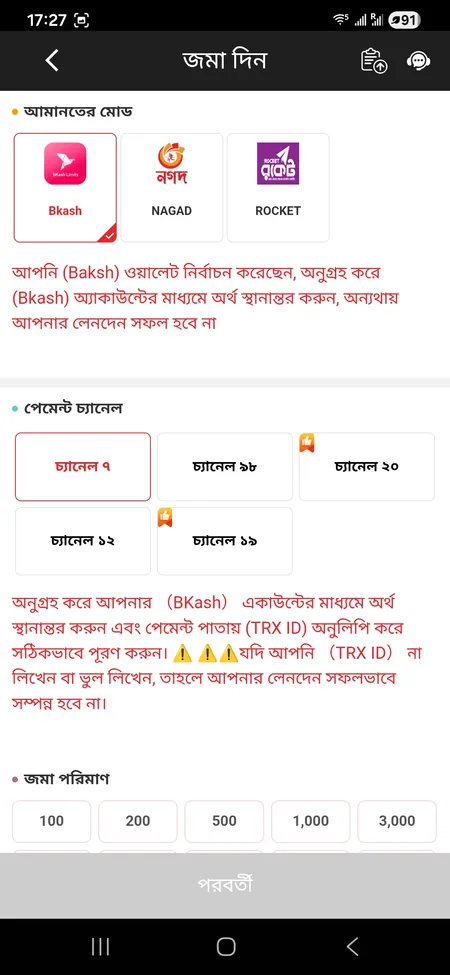
299Bet deposit form with payment method selection

The deposit screen shows available methods, amount field and real-time balance after funding.

Payment Methods for Depositing at 299Bet

299Bet supports local Bangladeshi e-wallets as the primary deposit channel, alongside bank transfers and international cards. All transactions run in BDT, so there is no currency conversion on your end.

Method Min Deposit Processing Speed
bKash bKash 100 BDT Within minutes
Nagad Nagad 100 BDT Within minutes
Rocket Rocket 100 BDT Within minutes
Bank Transfer Bank Transfer Varies Up to 24 hours
Mastercard Mastercard / Visa Varies Minutes to hours

bKash, Nagad, and Rocket are the fastest and most commonly used options for players in Bangladesh. Bank transfers are available but take longer to clear.

Deposit Now at 299Bet

Step-by-Step: How to Deposit via bKash or Nagad

The process is similar for bKash, Nagad, and Rocket. Here is how it works in practice:

Deposit Steps at 299Bet

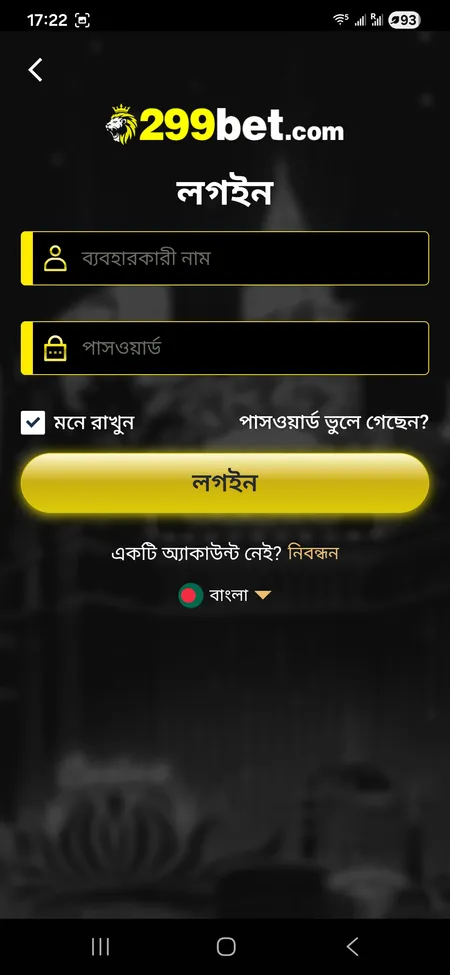
  1. 299Bet login screen

    Step 1: Log in. Open 299Bet on your browser or app and enter your username and password. New user? Create a 299Bet account first - it takes under two minutes.

  2. 299Bet deposit form open

    Step 2: Open Deposit. Tap 'Deposit' (জমা দিন) in the bottom bar or inside My Account. The payment screen loads with all active methods.

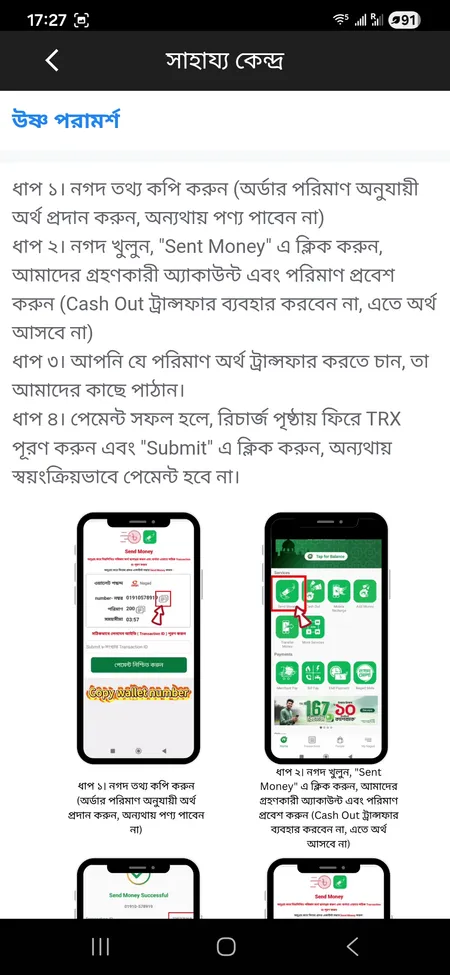
  3. 299Bet FAQ deposit instructions

    Step 3: Choose method and amount. Select bKash, Nagad, or Rocket. Enter the amount in BDT (minimum 100). Confirm on screen.

  4. 299Bet account balance updated after deposit

    Step 4: Complete the transfer. Follow the instructions shown for your selected method. Once the payment clears, your balance updates automatically. No need to contact support for standard transfers.

First Deposit and the Welcome Bonus

Your very first deposit at 299Bet activates a welcome bonus of up to 59% on the deposited amount. To claim it, you must select the 'First Deposit Promotion' option before confirming the payment. If you skip this step, the bonus will not be applied retroactively.

Key conditions for the first deposit bonus:

  • Minimum deposit to qualify: 100 BDT
  • Wagering requirement: 20x the bonus amount
  • Valid only on slots and fishing games
  • One-time offer per account; cannot be combined with other promotions
  • After claiming, do not change your account name or linked bank details, or the bonus will be cancelled

Full bonus terms and all other active promotions are listed on the 299Bet promo page.

The first deposit bonus of up to 59% is applied automatically when you select the promotion before confirming payment. No promo code needed.

Claim Your First Deposit Bonus

Deposit Limits and Currency Details

All accounts at 299Bet operate in Bangladeshi Taka (BDT). There is no automatic currency conversion, which means your deposit amount is exactly what arrives in your game balance.

  • Minimum deposit for promotions: 100 BDT
  • Daily or monthly limits: not publicly listed; contact support for high-volume accounts
  • Platform fees: 299Bet does not charge additional fees on deposits; your payment provider may apply standard transaction charges
  • Timezone for records: all transaction timestamps use GMT+8

If you plan to deposit a larger amount for VIP progression or to unlock higher bonus tiers, check the 299Bet official site for any updated limits in the deposit section.

Deposit on Mobile: App and Browser

299Bet works on both mobile browser and the dedicated app. The deposit flow is identical on both. To access the deposit form on mobile, tap the 'Deposit' icon in the bottom navigation panel.

The mobile interface uses the path /m/deposit and loads a streamlined form. Your balance syncs across all devices immediately after funding.

To install the app, visit the 299Bet app download page for Android APK or iOS instructions (Add to Home Screen).

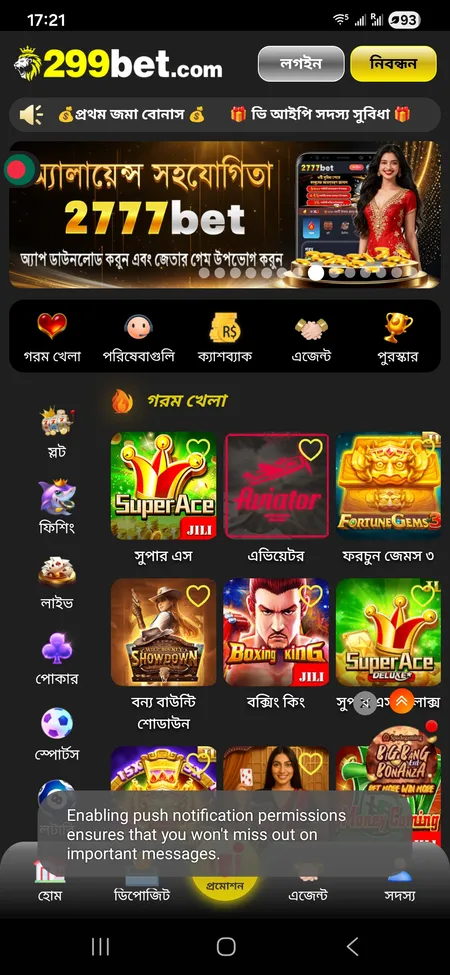
299Bet home screen on mobile browser

Deposit via Mobile Browser

Open 299bet.com on any Android or iOS browser. Log in, tap Deposit in the bottom bar, select your e-wallet, and confirm. No app installation required. Balance updates in real time.

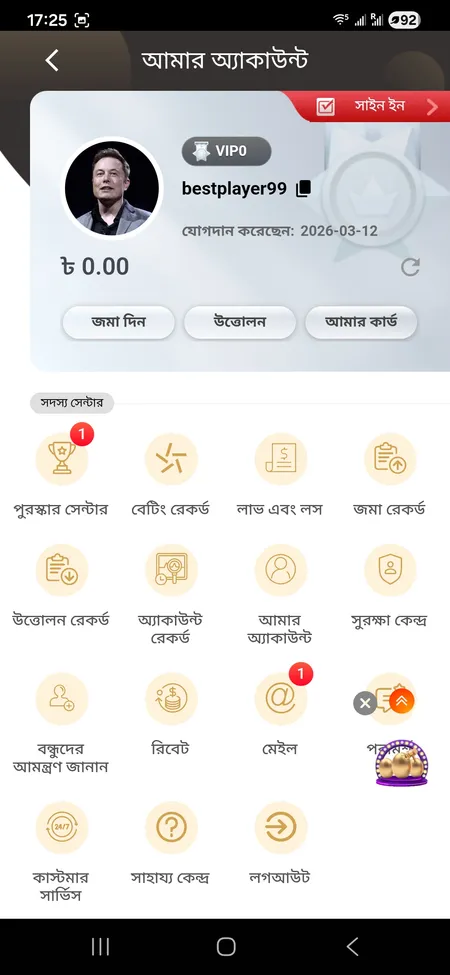
299Bet app account menu with deposit button

Deposit via the App

Download the 299Bet app from the official download page. The deposit button is in the same position as on mobile web. Push notifications alert you when the deposit is confirmed.

Security: Safe Deposits Only Through Official Channels

299Bet uses SSL encryption on all payment pages. Your card and e-wallet data are encrypted before transmission.

Important: only deposit through the official 299Bet website or app interface. Never transfer money to a personal number or account sent via Telegram, WhatsApp, or Facebook, even if the sender claims to be 299Bet staff. The platform explicitly warns against this type of fraud.

If you receive any unsolicited payment requests outside the official deposit form, report them to support immediately via live chat or email at [email protected].

Never send money to personal numbers or accounts via Telegram or WhatsApp in the name of 299Bet. All legitimate deposits happen only inside the official site or app.

Go to 299Bet Official Site

Deposit Not Credited: What to Check

If your deposit does not appear in your balance within 10 minutes, run through this checklist before contacting support:

  1. Confirm the transaction completed on your bKash, Nagad, or Rocket app (check transaction history).
  2. Refresh your 299Bet balance using the refresh button on the account screen.
  3. Check that you used the correct payment details shown inside the 299Bet deposit form (not a saved number from a previous session).
  4. Verify your account name matches your registered identity - mismatches can delay or block crediting.
  5. If the issue persists after 30 minutes, open live chat or message [email protected] with your transaction reference number.

Support is available 24/7 in English and Bengali. You can also reach the team via Telegram (@bd299bet) or WhatsApp from the mobile menu.

For more detail on withdrawal after your deposit clears, see the 299Bet withdrawal page.

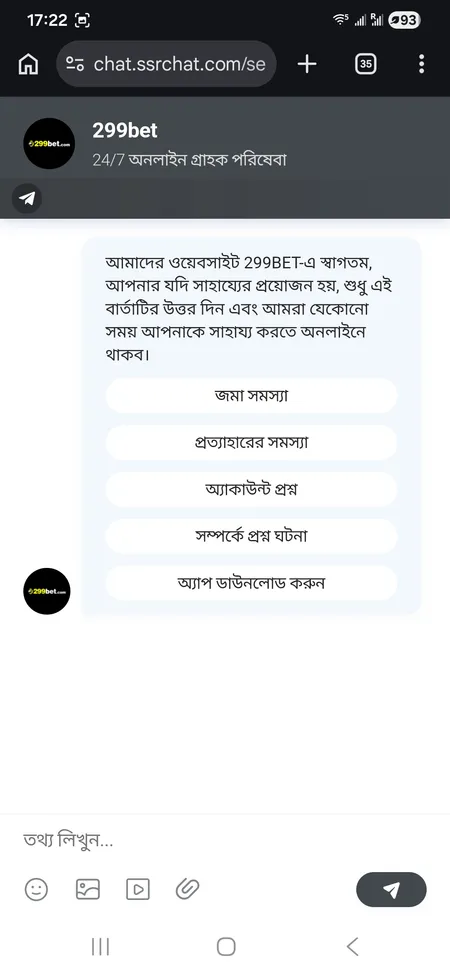
299Bet 24/7 live chat support for deposit issues

Contact 299Bet support around the clock via live chat for any deposit problem. Use the 'Deposit Problem' quick button in the chat.

FAQ: Depositing at 299Bet

What is the minimum deposit at 299Bet?

The minimum deposit to participate in the first deposit promotion is 100 BDT. This applies to bKash, Nagad, and Rocket transfers.

How long does a bKash deposit take at 299Bet?

bKash and other local e-wallet deposits are typically credited within a few minutes. If it takes longer than 10-15 minutes, check your bKash transaction history and contact support with the reference number.

Can I deposit in USD or EUR at 299Bet?

No. All accounts at 299Bet operate in Bangladeshi Taka (BDT). There is no foreign currency option; all amounts are entered and processed in BDT.

Does 299Bet charge a fee on deposits?

The platform does not add a fee on its side. Your e-wallet or bank provider may apply their standard transaction charges independently.

How do I claim the first deposit bonus?

Before confirming your first deposit, select the 'First Deposit Promotion' option in the deposit form. The bonus is applied automatically once the deposit is confirmed. You cannot claim it after the fact.

What happens if I deposit but do not select the promotion?

If you skip the promotion selection during your first deposit, the bonus will not be credited. The offer is one-time and cannot be applied retroactively, so select it before confirming.

Can I deposit using Visa or Mastercard?

Yes, international cards including Visa and Mastercard are listed as supported. Processing time may vary compared to local e-wallets.

Is it safe to deposit at 299Bet?

The site uses SSL encryption. All deposit transactions go through the official site or app interface only. Never share payment details with anyone outside the official platform.

Where do I see my deposit history?

Go to My Account, then open 'Deposit Record' (জমা রেকর্ড) in the Member Center. All past transactions with timestamps are listed there.

Who do I contact if my deposit is stuck?

Open the live chat inside the app or site and tap the 'Deposit Problem' quick button. You can also email [email protected] or reach the team via Telegram @bd299bet. Support is available 24/7 in Bengali and English.

Ready to fund your account? Open 299Bet, select your preferred method, and start playing in BDT with fast local payments.